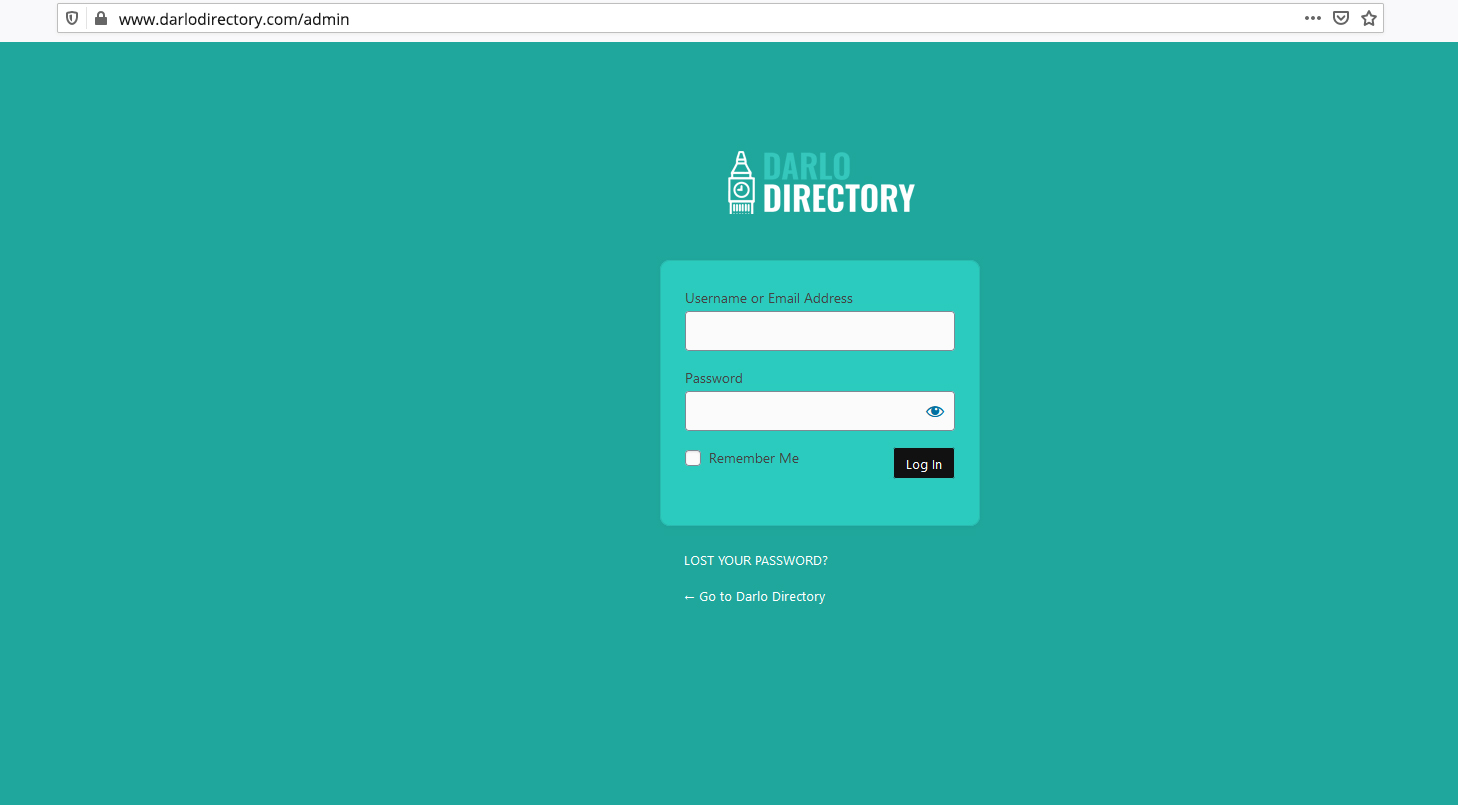
1. Open the admin panel: www.darlodirectory.com/admin
2. Use your username and password
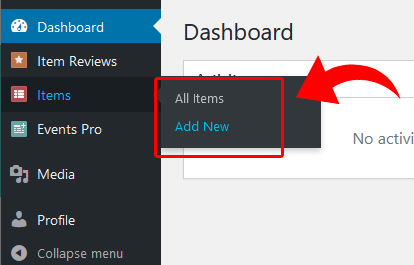
3. Go to: ITEMS -> Add New (to add a new listing) or ITEMS -> All Items (to edit an existing listing)
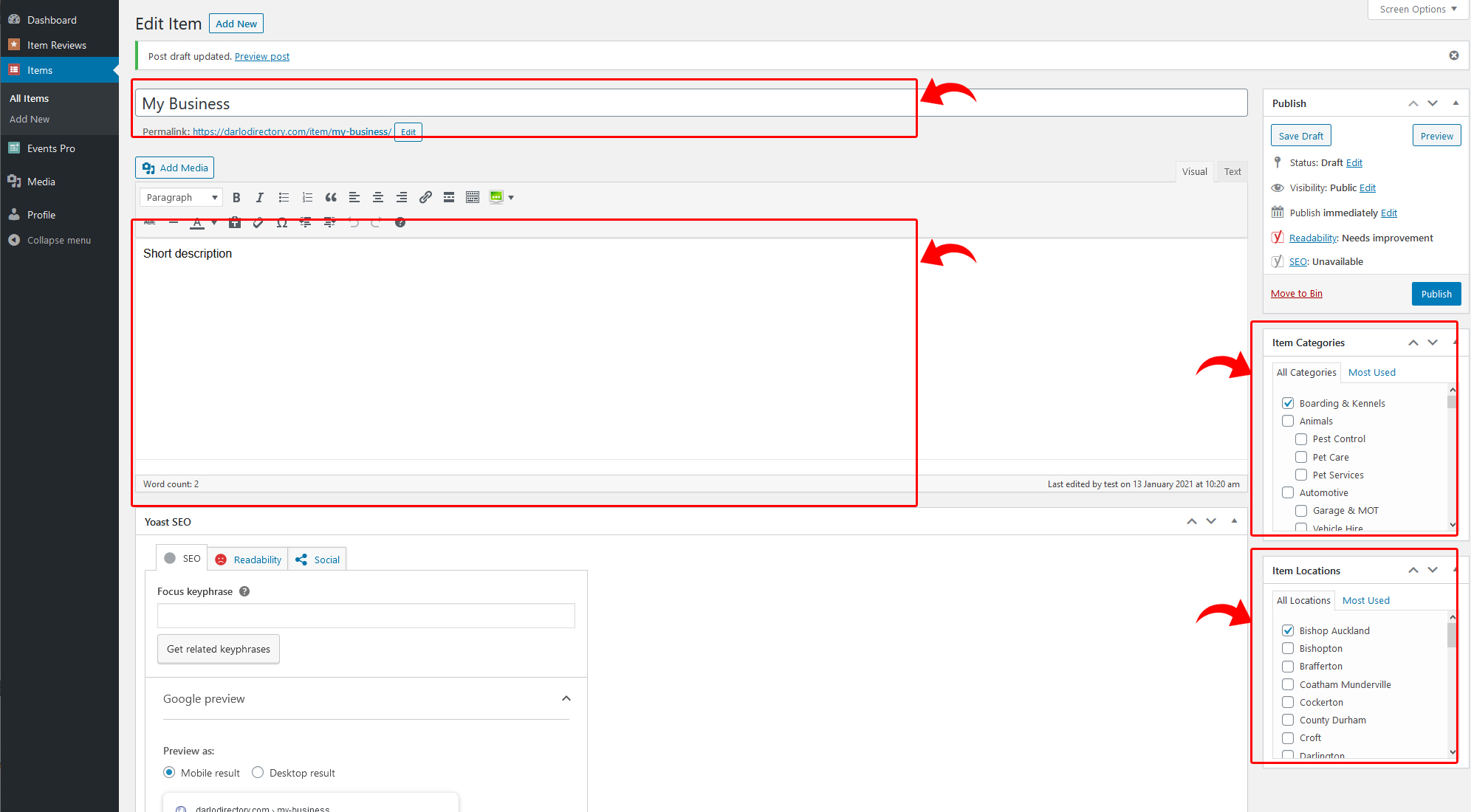
4. In the top section add your: Business Name, Description, choose your Category and Location
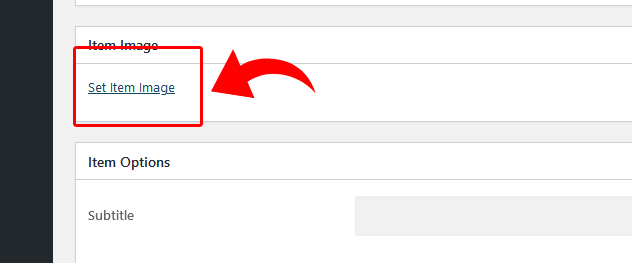
5. In the ITEM IMAGE section, click “Set Item Image” to choose your main image (logo).
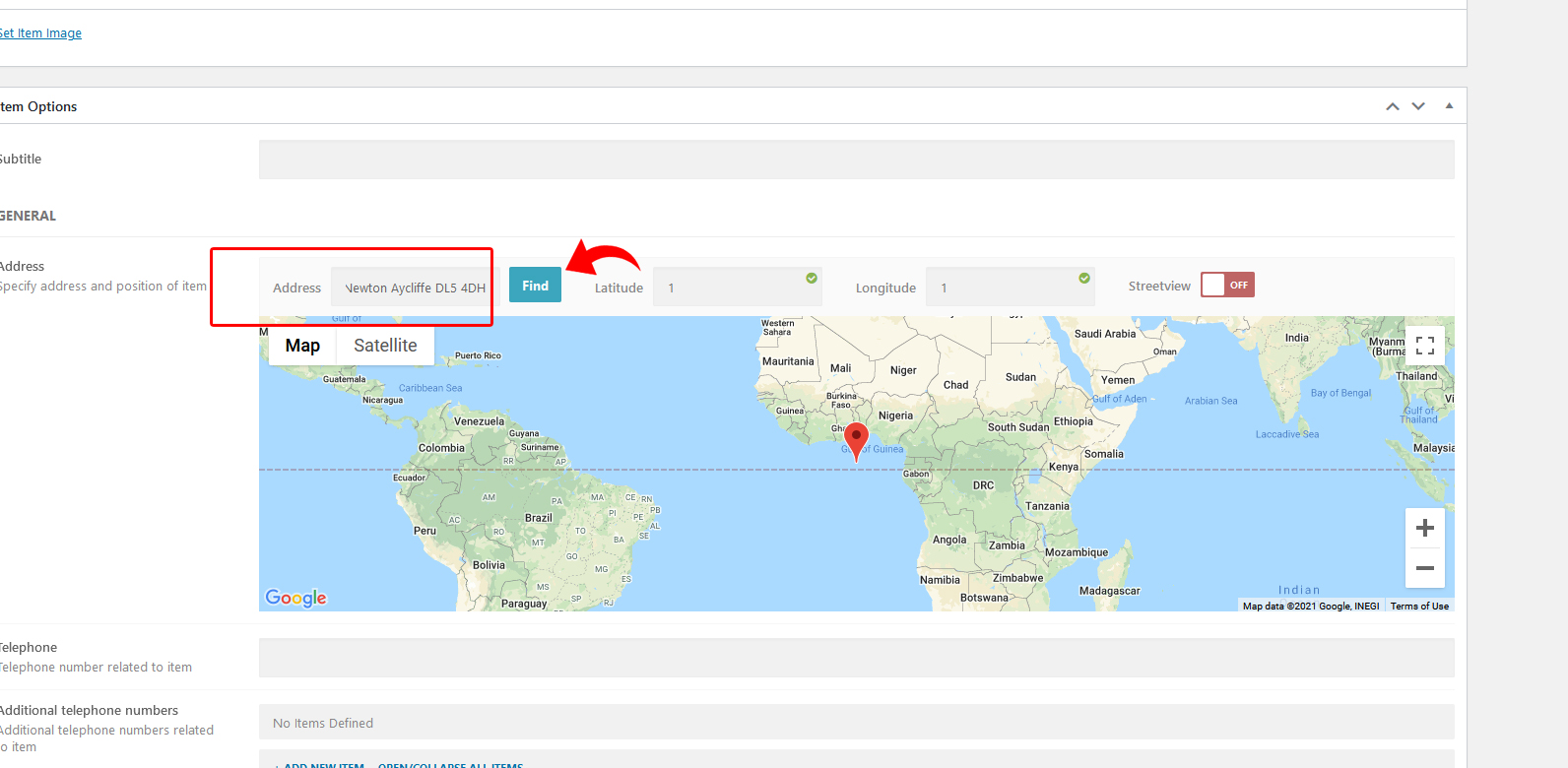
6. Scroll down to the Map section and put your address and click FIND
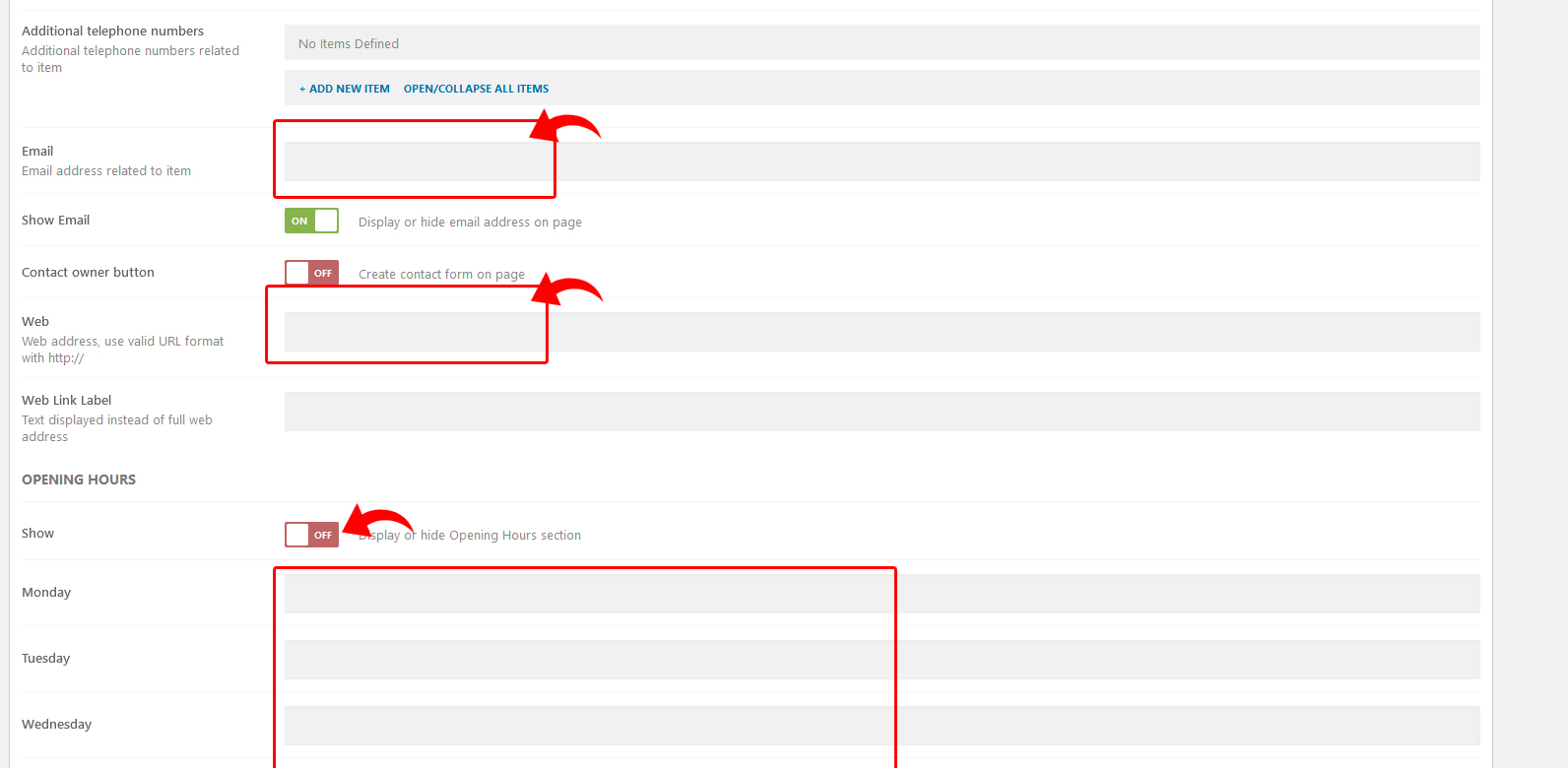
7. In the next section (optionally) you can add your: Email , Website address and Opening Hours
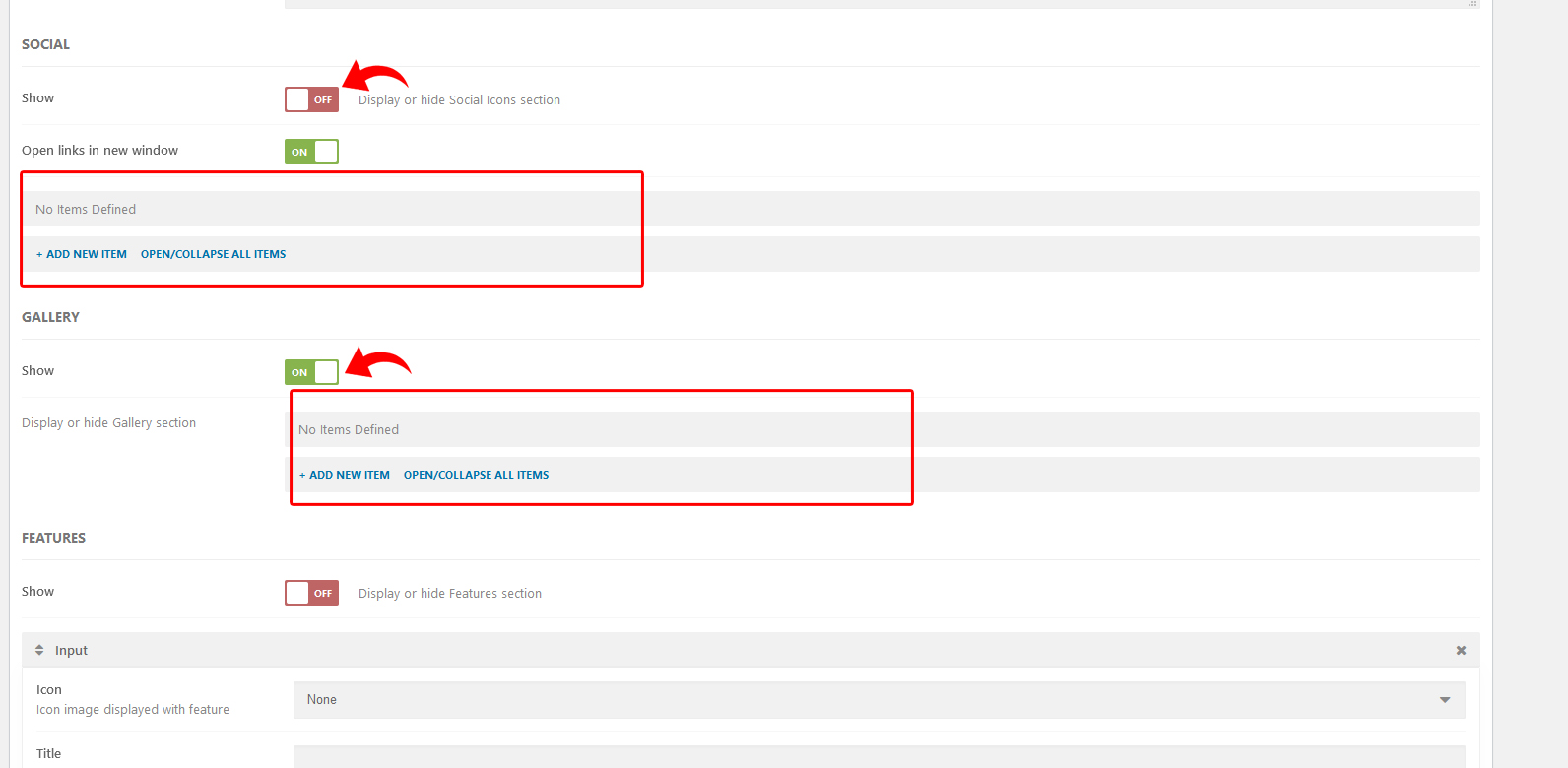
8. In the bottom section you can add your Social Media links (SOCIAL section) and additional images (GALLERY section)
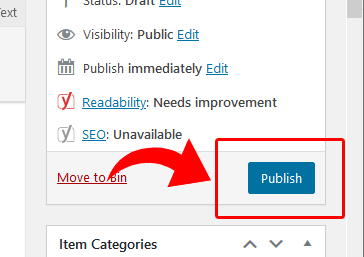
9. Once the content is added, scroll to the top and click PUBLISH (for new listings) or UPDATE (to save an existing listing)